

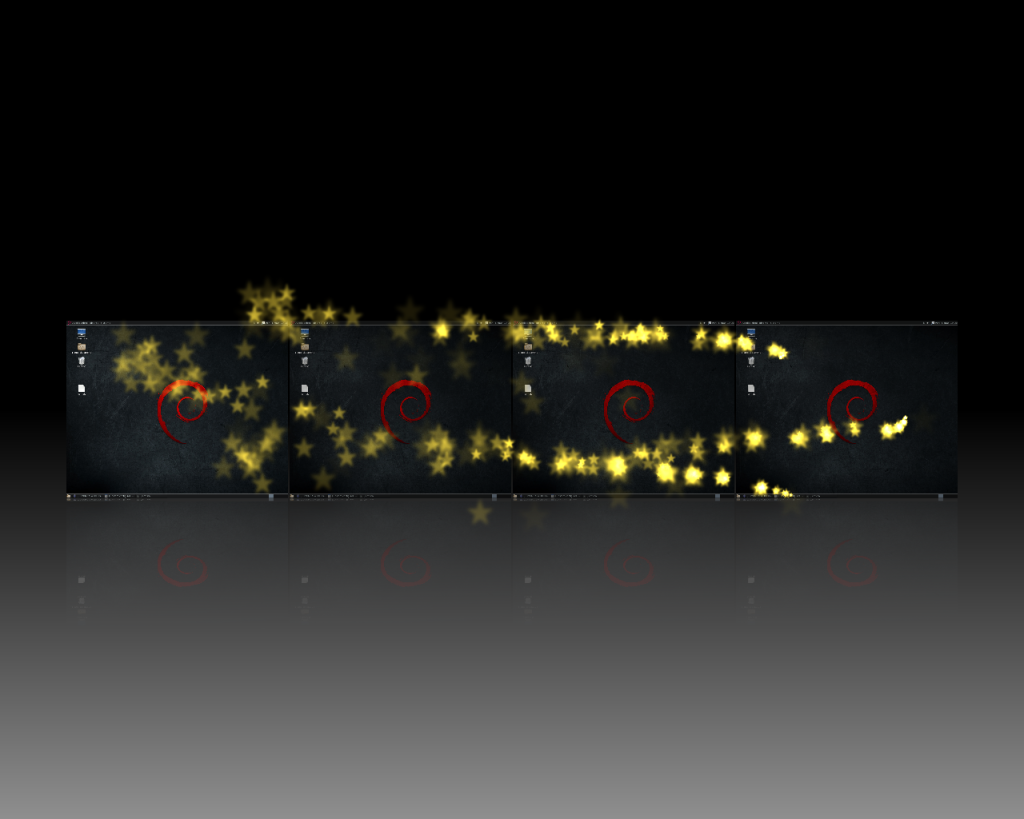
Per i nostalgici di Compiz, la bella notizia è che la versione 0.9.12.1 su Debian Jessie e Mate funziona alla grande. Io ho installato Compiz su due pc equipaggiati con schede grafiche differenti, il primo con una Intel Corporation 4 Series, il secondo con una Nvidia GeForce 7300 SE/7200. Con tutte e due le schede non ho avuto problemi, anche se con la Nvidia ho dovuto fare una piccola correzione all'interno del menu di CCSM.
Installare le dipendenze:
# apt-get install build-essential cmake libcairo2-dev librsvg2-dev libglib2.0-dev libpng12-dev libdbus-1-dev libboost-dev libboost-serialization-dev libxml2-dev libgl1-mesa-dev libglu1-mesa-dev libwnck-dev libgconf2-dev libx11-xcb-dev libxslt1-dev libnotify-dev libmetacity-dev python-gtk2-dev libgnome-desktop-dev gnome-control-center-dev intltool cython python2.7-dev libglibmm-2.4-dev libprotobuf-dev python-pyrex xsltproc lcov gcovr libwnck-3-dev libjpeg-dev
Scaricare, compilare ed installare Compiz:
$ wget https://launchpad.net/compiz/0.9.12/0.9.12.1/+download/compiz-0.9.12.1.tar.bz2
$ tar -xf compiz-*
$ cd compiz-*
$ mkdir build && cd build
$ cmake ..
$ make -j3
# make install
# make findcompiz_install
# make findcompizconfig_install
# ln -s /usr/local/lib/python2.7/site-packages/compizconfig.so /usr/local/lib/python2.7/dist-packages/compizconfig.so
# ldconfig
Prima di avviare Compiz, lanciare il menu di configurazione di compiz, ccsm, per abilitare le varie impostazioni, tra cui: OpenGL, Composite, Decorazioni Finestre, Muovi Finestra, Alternative. Per chi avesse con scheda Nvidia l'errore relativo ad OpenGL objects , andare nell'apposito menu e deselezionare la voce X11 Sync objects. Per chi avesse l'errore window gtk decorator not found, significa semplicemente che in fase d'installazione non è stato correttamente compilato il decoratore. Per avviare compiz:
$ compiz --replace ccp
enjoy 😉
Informazioni sull'autore





How i can fix "Decorator not found"?
you must recompile everything and pay attention to two points after cmake 😉
Yes, cat ./.bash_history
And after this "decorator not found", Jessie, Mate..
go in ccsm menu > Effects > Window Decoration and into the item command, replace, "exec "${COMPIZ_BIN_PATH}compiz-decorator" with "
gtk-window-decorator --replace". Then you have enable the plugin "Place Windows" in the System>Preferences>CompizConfig Settings Manager>Window ManagementOh! Thank you! It works!
When i try to star compiz i get this:
root@Debian:/home/vladtepe# compiz –replace ccp
compiz (core) – Info: Loading plugin: core
compiz (core) – Info: Starting plugin: core
compiz (core) – Info: Loading plugin: ccp
compiz (core) – Info: Starting plugin: ccp
compizconfig – Info: Backend : ini
compizconfig – Info: Integration : true
compizconfig – Info: Profile : default
compiz (core) – Warn: SmcOpenConnection failed: None of the authentication protocols specified are supported
any solutions?
I’m sorry, but this error can not understand it. Try to recompile again
Thanks for all!!
It's worked for me in Linux mint debian edition with MATE (LMDE 2) with following comments:
1.- i need to resolve de locales set
2.- i need to execute gtk-window-decorator –replace & for window decoration works
[ 40%] Built target crashhandler
[ 41%] Built target ccp
Makefile:146: recipe for target 'all' failed
make: *** [all] Error 2
root@debian:/home/mexx/compiz-0.9.12.1/build#
always the same error
Ciao, grazie per la guida. L'ho seguita passo passo senza ricevere errori ed al termine dando il comando ccsm mi viene restituito: comando non trovato. Non capisco dove possa aver sbagliato. Qualche idea? Grazie!
Ciao ho provato la tua guida su jessie 8.3 ma 'gtk-window-decorator –replace' mi dice che org.gnome.metacity non ha la chiave 'theme'.
ciao, infatti ho notato anche io questo errore, ma non ho ancora studiato come risolvere. Su Jessie 8.2 non c’erano problemi, ma adesso con Debian 8.3 deve essere cambiato qualcosa…..
Guarda se ti può essere d'aiuto ho scoperto che è un errore dovuto ad una versione errata di metacity, su 8.3 monta la 3.14 per non avere questo errore bisognerebbe mettere la 3.16 o superiore, infatti compilando una versione più vecchia di compiz non mi fa errore su metacity (però non va compiz base)
Infatti: ho trovato il modo (anche se macchinoso), basta compilare la versione 0.9.12.1 e la versione 0.9.12.2 copiare poi la cartella build/gtk dalla versione vecchia a quella nuova, lanciare il make install e i comandi successivi e l'errore sparisce.
Grazie….proverò anche io e poi aggiornerò o farò una nuova guida 😉
error: org.gnome.metacity non ha la chiave 'theme'
si risolve con
apt-get install metacity metacity-themes
Ti giuro che ci avevo provato ma non andava..
Grazie per le vostre istruzioni ha fatto tutto funziona Debian Jessie Mate!
Ma ho una domanda come compilare tutti i plugin?
@Jenek
tutti i plugins compresi nel pacchetto vengono compilati, per altri plugins non ho provato.
I,
how can I uninstall it?